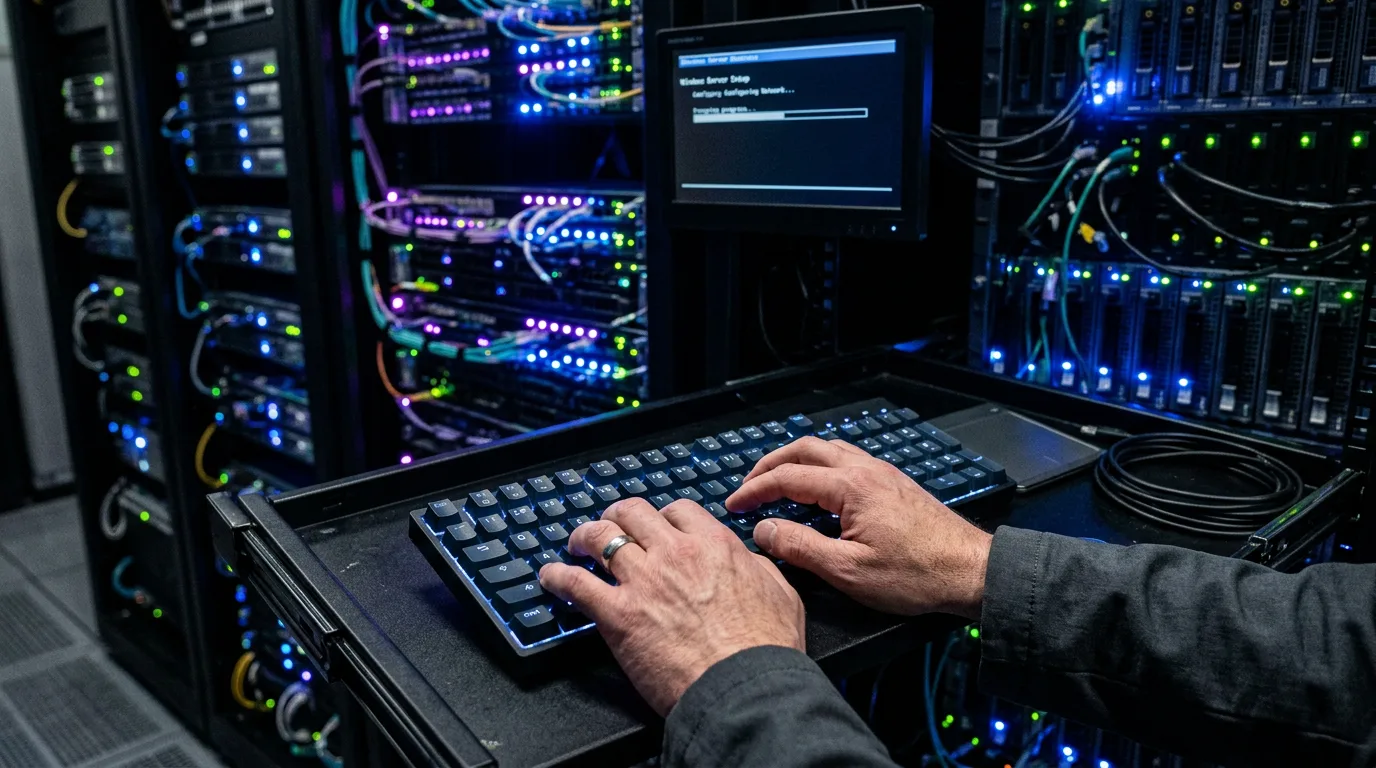
Fresh Windows Server install. The OOBE finished, you're at the desktop, now what? Here's the checklist I run on every new server — in order — before it does any real work.
1. Rename the computer
Rename-Computer -NewName "WEB01" -RestartDo this first. Renaming later breaks certificates, AD relationships, monitoring agents, and half of your DNS records.
2. Set a static IP
$if = "Ethernet"
New-NetIPAddress -InterfaceAlias $if -IPAddress 192.168.1.50 -PrefixLength 24 -DefaultGateway 192.168.1.1
Set-DnsClientServerAddress -InterfaceAlias $if -ServerAddresses 1.1.1.1,9.9.9.9
For IPv6 too:
New-NetIPAddress -InterfaceAlias $if -IPAddress 2a01:XXX::50 -PrefixLength 64 -DefaultGateway 2a01:XXX::1 -AddressFamily IPv63. Time zone & NTP
Set-TimeZone -Id "W. Europe Standard Time"
w32tm /config /syncfromflags:manual /manualpeerlist:"time.cloudflare.com,pool.ntp.org"
Restart-Service w32time
w32tm /resync
4. Windows Update
Install-Module PSWindowsUpdate -Force
Get-WindowsUpdate -Install -AcceptAll -AutoReboot
Grab a coffee. Come back, reboot, repeat until nothing new shows up.
5. Enable RDP
See the full RDP guide. Three commands:
Set-ItemProperty -Path "HKLM:\System\CurrentControlSet\Control\Terminal Server" -Name "fDenyTSConnections" -Value 0
Enable-NetFirewallRule -DisplayGroup "Remote Desktop"
Set-ItemProperty -Path "HKLM:\System\CurrentControlSet\Control\Terminal Server\WinStations\RDP-Tcp" -Name "UserAuthentication" -Value 1
6. Create a dedicated admin user
Never use the built-in Administrator. Create a personal admin, disable the default one. (Full net user reference: Create a Windows User via CMD.)
net user lukas.admin "Strong-PW-Change-Me!" /add /passwordchg:yes /expires:never
net localgroup Administrators lukas.admin /add
net user Administrator /active:no
7. Disable SMBv1
SMBv1 is EOL and actively exploited. Kill it:
Disable-WindowsOptionalFeature -Online -FeatureName SMB1Protocol -NoRestart
Set-SmbServerConfiguration -EnableSMB1Protocol $false -Confirm:$false
8. Install the Windows Admin Center (optional but nice)
Browser-based dashboard — cleaner than Server Manager. Download from Microsoft, next-next-install.
9. Configure the page file properly
Don't let Windows auto-manage the page file on servers with big RAM. Fix it:
$cs = Get-WmiObject Win32_ComputerSystem -EnableAllPrivileges
$cs.AutomaticManagedPagefile = $false
$cs.Put()
$pf = Get-WmiObject Win32_PageFileSetting
$pf.InitialSize = 4096
$pf.MaximumSize = 8192
$pf.Put()
10. Install monitoring / backup agents
Do it now, before anything production runs. My usual stack:
- Backup: Veeam Agent (free for single machines)
- Monitoring: UptimeKuma or Checkmk agent
- Remote mgmt: Tactical RMM, Syncro, or the built-in WAC
11. Enable Remote PowerShell (if domain-joined)
Enable-PSRemoting -Force
Set-Item WSMan:\localhost\Service\Auth\Kerberos -Value $true
12. Harden the basics
# Disable legacy protocols in Schannel
# (edit HKLM\SYSTEM\CurrentControlSet\Control\SecurityProviders\SCHANNEL\Protocols)

# Disable IPv6 teredo tunneling
Set-NetTeredoConfiguration -Type Disabled

# Turn off unused services
Stop-Service XblAuthManager,XblGameSave,WbioSrvc -Force -ErrorAction SilentlyContinue
Set-Service XblAuthManager,XblGameSave,WbioSrvc -StartupType Disabled
13. Snapshot / base image
If this is a VM (Hyper-V, Proxmox, ESXi): take a snapshot now. Before any role or app gets installed. Future-you will thank past-you.
14. Document
Hostname, IP, subnet, AD/workgroup, installed roles, admin users, serial/asset tag, responsible person. One line in a wiki or plain-text file. If it's not written down, it doesn't exist when you're on fire at 3 AM.
The script version
Drop this in a .ps1 and run it elevated on every fresh server — adjust the variables at the top:
$hostname = "WEB01"
$ip       = "192.168.1.50"
$gw       = "192.168.1.1"
$prefix   = 24
$iface    = "Ethernet"
$tz       = "W. Europe Standard Time"

Rename-Computer -NewName $hostname -Force
New-NetIPAddress -InterfaceAlias $iface -IPAddress $ip -PrefixLength $prefix -DefaultGateway $gw
Set-DnsClientServerAddress -InterfaceAlias $iface -ServerAddresses 1.1.1.1,9.9.9.9
Set-TimeZone -Id $tz
Enable-NetFirewallRule -DisplayGroup "Remote Desktop"
Set-ItemProperty -Path "HKLM:\System\CurrentControlSet\Control\Terminal Server" -Name "fDenyTSConnections" -Value 0
Set-ItemProperty -Path "HKLM:\System\CurrentControlSet\Control\Terminal Server\WinStations\RDP-Tcp" -Name "UserAuthentication" -Value 1
Set-SmbServerConfiguration -EnableSMB1Protocol $false -Confirm:$false
Restart-Computer -Force
Related guides
- Create a Windows User via CMD (net user) — deep-dive on user creation, flags, and password management.
- Enable RDP on Windows Server — the full RDP walkthrough.
- Install FileZilla Server on Windows Server — need FTP? Ten-minute setup.
- Reset a Forgotten Windows Admin Password — locked yourself out during setup? Offline recovery.
Done. Named, networked, patched, hardened, and snapshotted. Now give it a role.