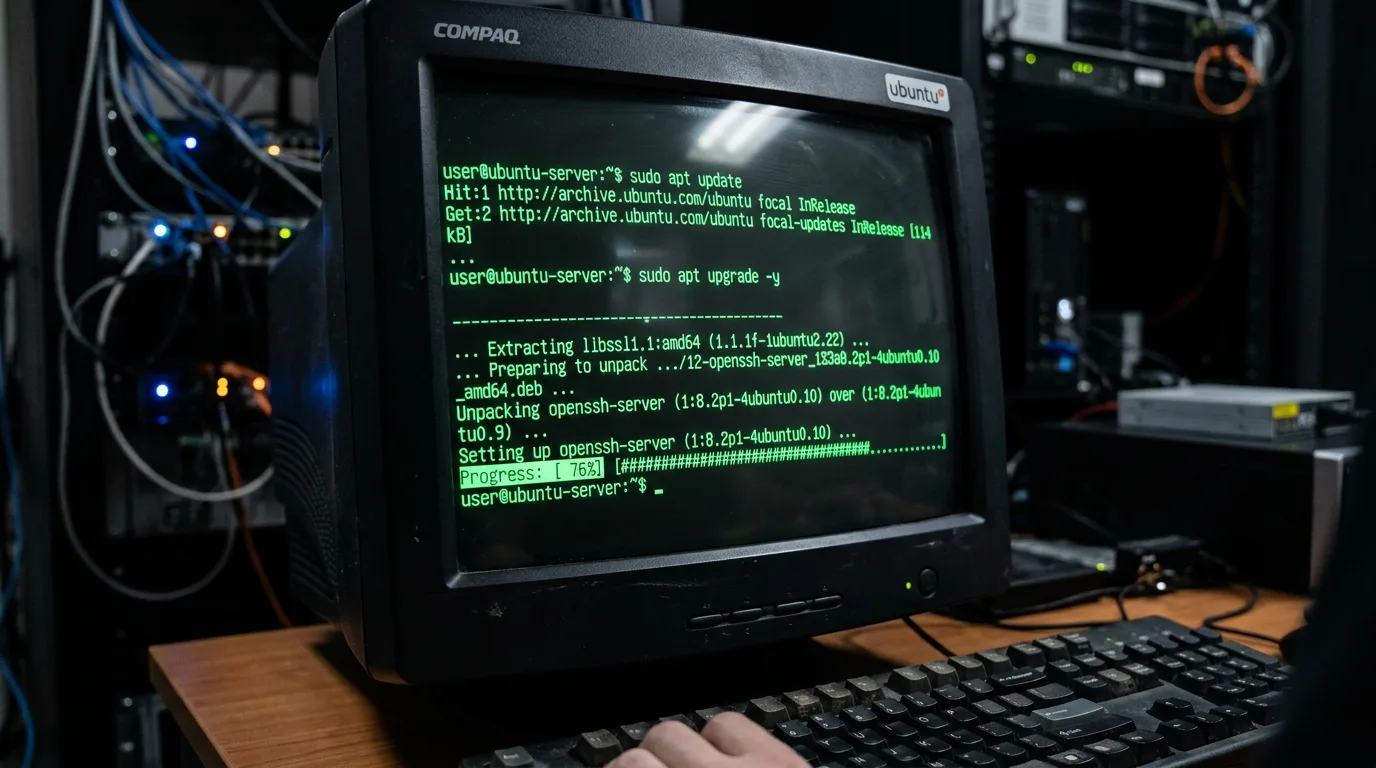
Fresh Ubuntu Server install. The installer finished, you're at a shell, and the clock is ticking before someone puts a workload on it. Here's the checklist I run on every new box — in order — before it touches anything real.
1. Update everything first
apt update && apt full-upgrade -y
apt autoremove -y
Do this before anything else. You don't want to harden a box and then have an update undo half of it.
2. Set the hostname
hostnamectl set-hostname web01
echo "127.0.1.1 web01" >> /etc/hosts
Do this now. Changing the hostname later breaks certificates, monitoring agents, and anything that baked the old name in at install time.
3. Set timezone and sync NTP
timedatectl set-timezone Europe/Berlin
timedatectl set-ntp true
timedatectl status
Wrong timestamps break logs, cron jobs, certificates, and make incident timelines useless. Fix it early.
4. Create a non-root admin user
adduser lukas
usermod -aG sudo lukas
Never work as root day-to-day. Create your personal user now, add it to sudo, and log in as that user for everything below.
Test it before you lock root out:
su - lukas
sudo whoami
# → root
5. Set up SSH key authentication
On your local machine, generate a key if you don't have one:
ssh-keygen -t ed25519 -C "your-server"Copy it to the server:
ssh-copy-id lukas@your-server-ipTest it connects without password, then lock down SSH:
nano /etc/ssh/sshd_configChange or add these lines:
PermitRootLogin no
PasswordAuthentication no
PubkeyAuthentication yes
Port 22
Restart SSH — but keep your current session open until you've verified the new session works:
systemctl restart sshdOpen a second terminal and test before closing the first. If you lock yourself out now it's your own fault.
6. Configure UFW firewall
ufw default deny incoming
ufw default allow outgoing
ufw allow ssh
ufw enable
ufw status verbose
If you changed the SSH port:
ufw allow 2222/tcpAdd rules for whatever the server actually runs — HTTP, HTTPS, custom ports — before enabling, not after.
7. Install fail2ban
apt install fail2ban -y
systemctl enable --now fail2ban
Default config blocks IPs after 5 failed SSH attempts. Good enough for most servers. Check status with:
fail2ban-client status sshd8. Set up unattended security updates
apt install unattended-upgrades -y
dpkg-reconfigure --priority=low unattended-upgrades
Say yes. See the full guide for what to configure beyond the defaults.
9. Set the correct locale
locale-gen en_US.UTF-8
update-locale LANG=en_US.UTF-8
Missing locale causes weird warnings from Perl, Python, and half the tools you'll install later. Easier to fix now.
10. Disable unused services
# Check what's listening
ss -tlnp

# Disable anything you don't need, e.g.:
systemctl disable --now snapd
systemctl disable --now avahi-daemon
Less attack surface. Less noise in your logs.
11. Configure the swap file (if the box has low RAM)
fallocate -l 2G /swapfile
chmod 600 /swapfile
mkswap /swapfile
swapon /swapfile
echo '/swapfile none swap sw 0 0' >> /etc/fstab
Not a substitute for real RAM. But it stops the OOM killer from taking down your app when something spikes.
12. Snapshot / base image
If this is a VM — Proxmox, Hyper-V, ESXi, cloud provider — take a snapshot right now. Before any role or application gets installed. You'll want to roll back to this exact point at least once.
13. Document it
Hostname, IP, subnet, SSH port, installed roles, who manages it. One line in a notes file or wiki. If it's not written down it doesn't exist when you're debugging at 2 AM six months from now.
The one-shot script
Adjust the variables at the top, run as root on a fresh install:
#!/bin/bash
HOSTNAME="web01"
USERNAME="lukas"
TIMEZONE="Europe/Berlin"

hostnamectl set-hostname $HOSTNAME
echo "127.0.1.1 $HOSTNAME" >> /etc/hosts
timedatectl set-timezone $TIMEZONE
timedatectl set-ntp true
apt update && apt full-upgrade -y
adduser --gecos "" $USERNAME
usermod -aG sudo $USERNAME
ufw default deny incoming
ufw default allow outgoing
ufw allow ssh
ufw --force enable
apt install -y fail2ban unattended-upgrades
systemctl enable --now fail2ban
locale-gen en_US.UTF-8
update-locale LANG=en_US.UTF-8
echo "Done. Set up SSH keys and disable password auth manually."
Related guides on this blog:
- Set Up Automatic Updates on Ubuntu/Debian — step 8 in more detail
- Linux User Management — adduser, groups, sudo, SSH keys — step 4 and 5 expanded