Docker vs Podman — What's the Difference and Should You Switch?
Docker vs Podman compared — daemon vs daemonless, rootless security, systemd/Quadlet integration, compose support, and when switching is actually worth it.

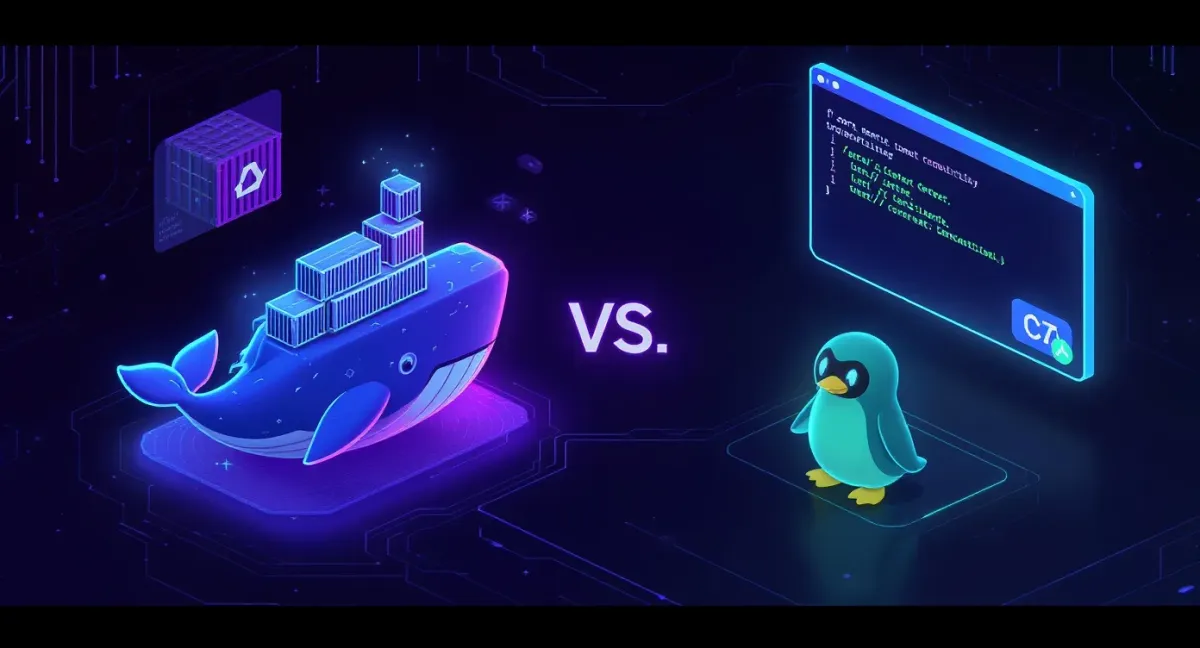
Short answer: Docker runs containers through a central background daemon (dockerd) that usually runs as root; Podman is daemonless and rootless-first, running containers as normal processes you can manage with systemd. The CLIs are nearly identical — alias docker=podman works for most commands. Docker has the bigger ecosystem and smoother desktop/compose story; Podman has the security edge and better systemd integration. On a server where you care about rootless isolation, Podman is compelling. For most people already on Docker, there's no urgent reason to switch.
I use Docker for most things out of habit and ecosystem, but Podman has genuinely good arguments. Here's the real difference, minus the tribalism.
Docker vs Podman at a glance
| Docker | Podman | |
|---|---|---|
| Architecture | Central daemon (dockerd) |
Daemonless — no background service |
| Default privileges | Root daemon (rootless mode exists) | Rootless by default |
| Runs containers as | Children of the daemon | Child processes of your shell/systemd |
| systemd integration | Indirect | Native — Quadlet generates units |
| Pods | No native pod concept | Native pods (like Kubernetes) |
| Compose | docker compose (first-class) |
podman-compose / compose via socket |
| Desktop app | Docker Desktop (mature) | Podman Desktop (good, newer) |
| Image format | OCI | OCI (fully compatible) |
| CLI | docker ... |
podman ... — drop-in compatible |
| Ecosystem | Huge, default everywhere | Growing, default on RHEL/Fedora |
| Best for | Broad compatibility, compose, desktop | Rootless security, systemd-run servers |
The daemon is the whole story
Everything else follows from one design choice. Docker has a daemon: a long-running root process that owns every container. You talk to it through the docker CLI, but the containers are its children. That's convenient — and it's a single privileged process that's a juicy target, and a single point of failure (kill the daemon, containers go with it in the classic setup).
Podman is daemonless. podman run starts a container as a normal child process — no privileged middleman. That means two things: containers can run fully rootless by default (a compromised container isn't a compromised root daemon), and each container is a normal process you can hand straight to systemd. It's a genuinely nicer fit for the Linux service model.
Podman's real advantages
- Rootless-first security. Running containers as an unprivileged user by default meaningfully shrinks the blast radius. Docker can do rootless, but Podman was built for it.
- systemd-native with Quadlet. Instead of a daemon restarting containers, you write a small unit file and let systemd own the container like any other service — start on boot, restart on failure, journald logging. Ties in perfectly with /systemd-service-unit-file/.
- Pods. Podman groups containers into pods that share a network namespace, mirroring Kubernetes concepts — handy if k8s is your eventual target.
- No daemon to babysit. One less privileged service running.
Where Docker still wins
- Ecosystem and defaults. Docker is what tutorials, CI systems, and third-party tools assume. Fewer surprises, more copy-paste that just works.
- Compose.
docker composeis first-class and rock solid. Podman can run compose files (viapodman-composeor the Docker-compatible socket), but it's less seamless. - Docker Desktop. On Mac/Windows the Docker Desktop experience is more mature, though Podman Desktop has closed the gap fast.
- Momentum. It's already installed, your team knows it, and it works. "Working" is a strong argument.
Switching: easier than you'd think
Because Podman is CLI- and OCI-compatible, the muscle memory transfers directly:
# these are the same command
docker run -d --name web -p 8080:80 nginx
podman run -d --name web -p 8080:80 nginx

# make old scripts/habits work
alias docker=podman

# run rootless as your normal user — no sudo
podman run -d -p 8080:80 docker.io/library/nginx
The friction points are compose-heavy stacks and anything hardcoded to the Docker socket. Podman exposes a Docker-compatible socket to smooth that over, but a big docker-compose.yml project is where a migration actually takes effort. A single service? Minutes.
FAQ
Is Podman a drop-in replacement for Docker? For most commands, yes — podman mirrors the docker CLI and uses the same OCI images, so alias docker=podman covers day-to-day use. Compose-heavy setups and Docker-socket integrations need a little extra work.
Is Podman more secure than Docker? By default, yes — it's rootless and daemonless, so there's no privileged daemon to compromise and containers run as an unprivileged user. Docker can be run rootless too, but it isn't the default.
Can Podman run docker-compose files? Yes, via podman-compose or by pointing the Docker Compose tool at Podman's Docker-compatible socket. It works, just less seamlessly than native docker compose.
Should I switch from Docker to Podman? If Docker works for you, there's no urgency. Switch when rootless security or clean systemd integration matters — new servers, security-sensitive hosts, or RHEL/Fedora boxes where Podman is already the default.
Do they use the same images? Yes. Both use the OCI image format and can pull from the same registries (Docker Hub, Quay, GHCR). An image built with one runs on the other.
Bottom line
This isn't a "one is dead" situation — they're both good, with different priorities. Docker wins on ecosystem, compose and sheer ubiquity; Podman wins on rootless security and being a first-class systemd citizen. If you're happy on Docker, stay — start at /docker-install-ubuntu/ and keep going. If you're standing up a security-conscious server and like the systemd model, Podman is worth the short learning curve, and it pairs naturally with running everything as proper units via /systemd-service-unit-file/.